Code Repositories
A project can hold a codebase beside the writing about it: a design doc, a
README, a guide to the code. The model searches the code, reads it by line, and
cites file:line in what it writes. The code is for reading: neither you nor
the model can change it in inksprite.
Import a repository
Section titled “Import a repository”Right-click the project, or the folder to put it in, and choose Import › Repository….
From GitHub
Section titled “From GitHub”GitHub import works only in the desktop app. In a browser, clone the repository and import the folder instead.
- Paste the repository’s address in From GitHub:
https://github.com/owner/repo. For a branch, or one folder of the repository, paste the address GitHub shows for it, such ashttps://github.com/owner/repo/tree/main/src. - For a private repository, paste a GitHub personal access token that can read its contents in Token, for a private repository. The token is used for this import and not saved.
- Click Import.
Without a token, GitHub allows 60 downloads an hour. If you reach the limit, inksprite says when it resets; a token raises it.
From a folder
Section titled “From a folder”Click Choose folder… and choose the codebase’s top folder. This works in a browser too.
You can also choose Import › Folder…, or drag a folder from your computer onto the outline. When the folder looks like code, inksprite asks whether to import it as a repository: click Import as repository, or Import as files to import it the ordinary way.
What comes in
Section titled “What comes in”The repository arrives as a folder named after it, with the codebase’s folders and files inside. A message says how many files came in and how many were left out.
- Never imported:
.git,node_modules, and the files secrets are kept in, such as.envfiles,.npmrc, SSH keys and*.pemor*.keyfiles, even when they’re committed. What’s imported can go to your AI provider. - Left out: build output (
dist,build,targetand the like), lock files, minified files, whatever the codebase’s.gitignorefiles ignore, files over 512 KB, and files that aren’t text, such as images and PDFs.
Other files and folders whose names start with a dot, such as .github/ and
.eslintrc, come in. There are two exceptions:
- Safari’s folder chooser leaves out every file whose name starts with a dot,
so the codebase’s
.gitignorefiles aren’t read, and files they would leave out come in. Chrome and the desktop app hand them over. - A dropped folder’s dot-folders, such as
.github/, stay behind. Its.gitignorefiles come with it.
A codebase of more than 5,000 files, or 40 MB of text, isn’t imported at all. Import one of its folders instead.
Click Stop to end an import partway. The files already imported stay.
Read the code
Section titled “Read the code”Click a file to open it. It shows with line numbers, highlighted for its language. To find in it, press ⌘ F (Ctrl F on Windows and Linux), or click Find, the magnifier at the top of the editor.
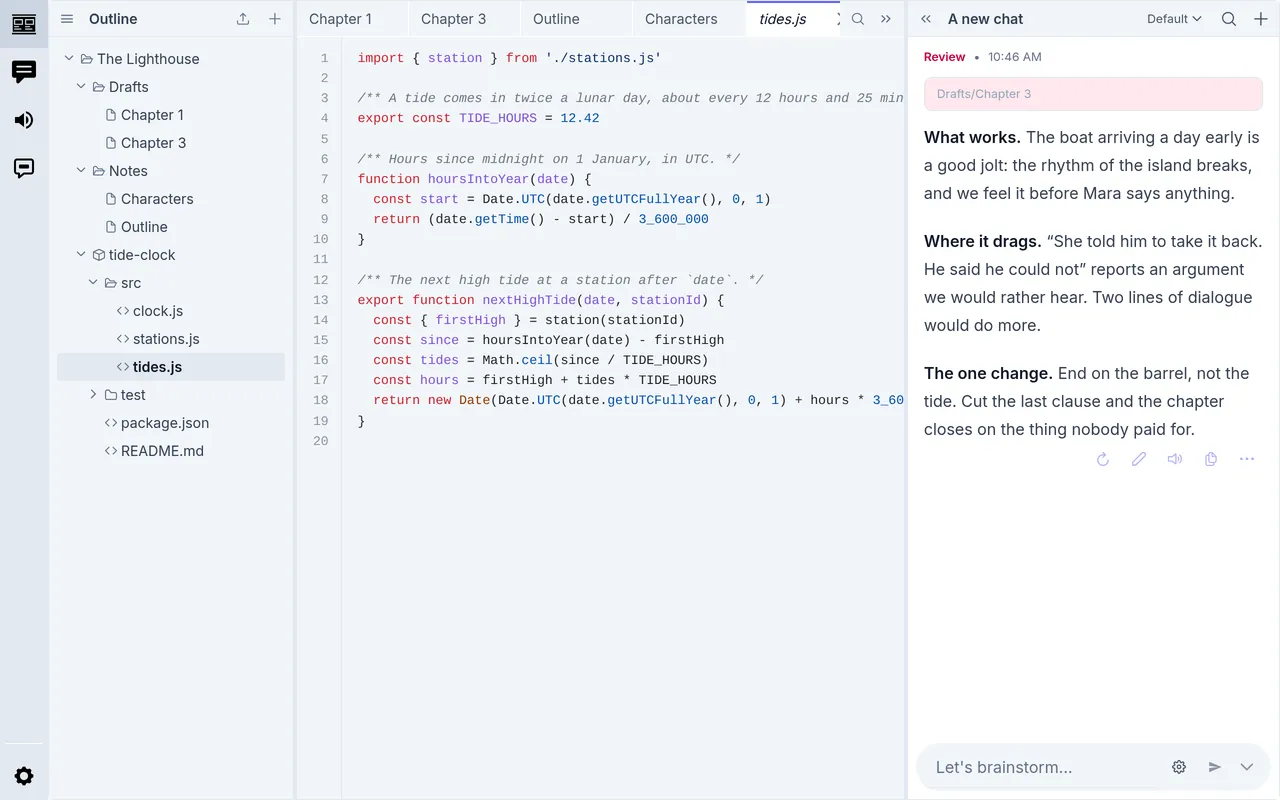
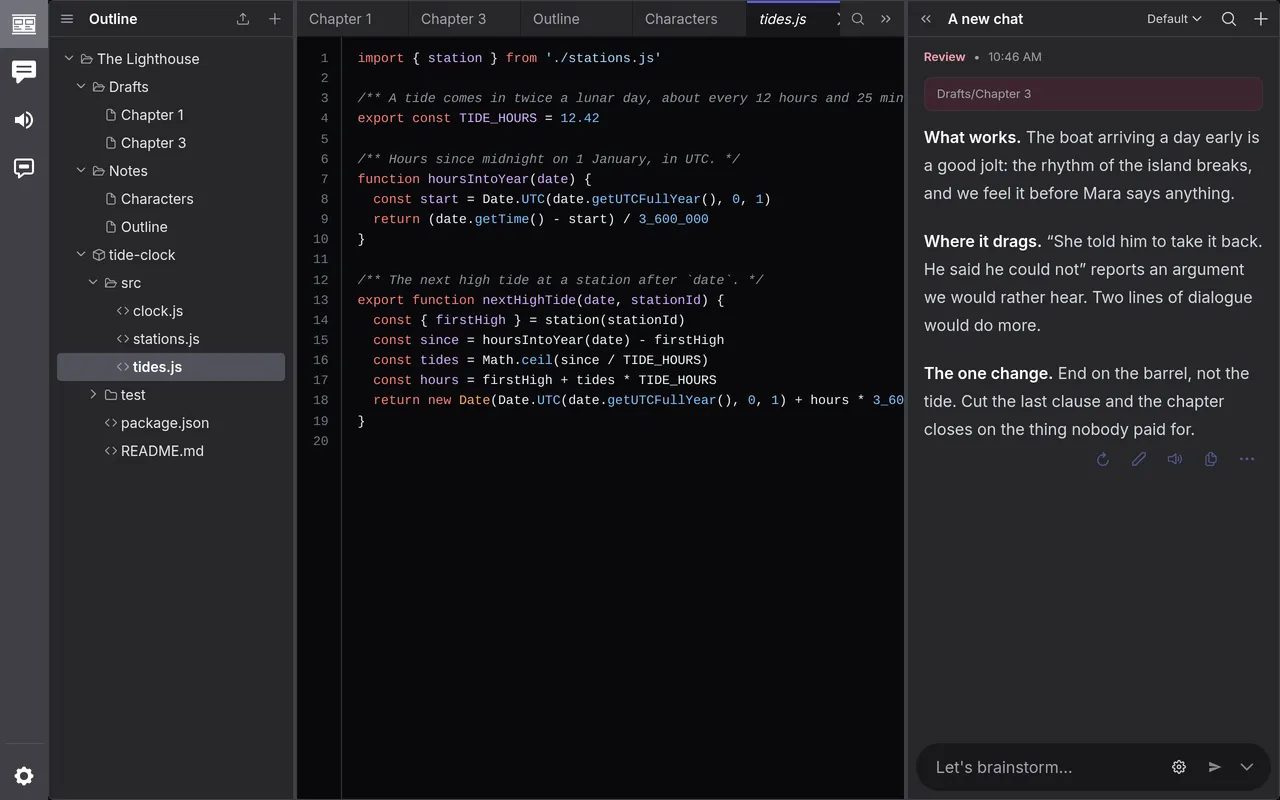
The repository is read-only: there’s no New document, New folder or Rename inside it, and nothing can be dragged in or out. You can rename the repository’s own folder. You can delete files from it, but a refresh brings them back.
A repository is part of the project, so it’s in your backups and in the project when you export it.
Ask the model about it
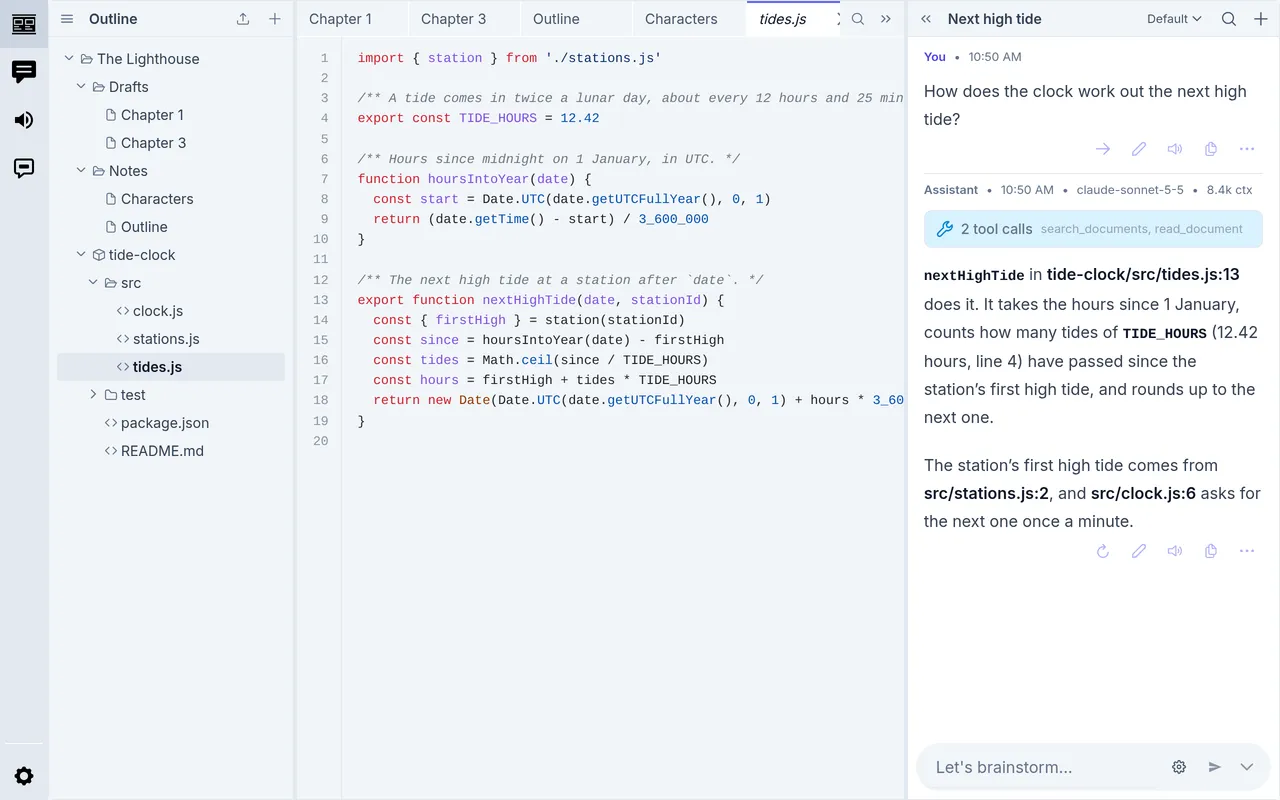
Section titled “Ask the model about it”In a chat, ask about the code as you would about any document. The model lists the repository, searches its files, and reads them a range of lines at a time, so it can cite the lines it means. To point it at a file, choose Copy path from the file’s menu and paste the path in your message.
For example, with a tide-clock app imported as tide-clock:
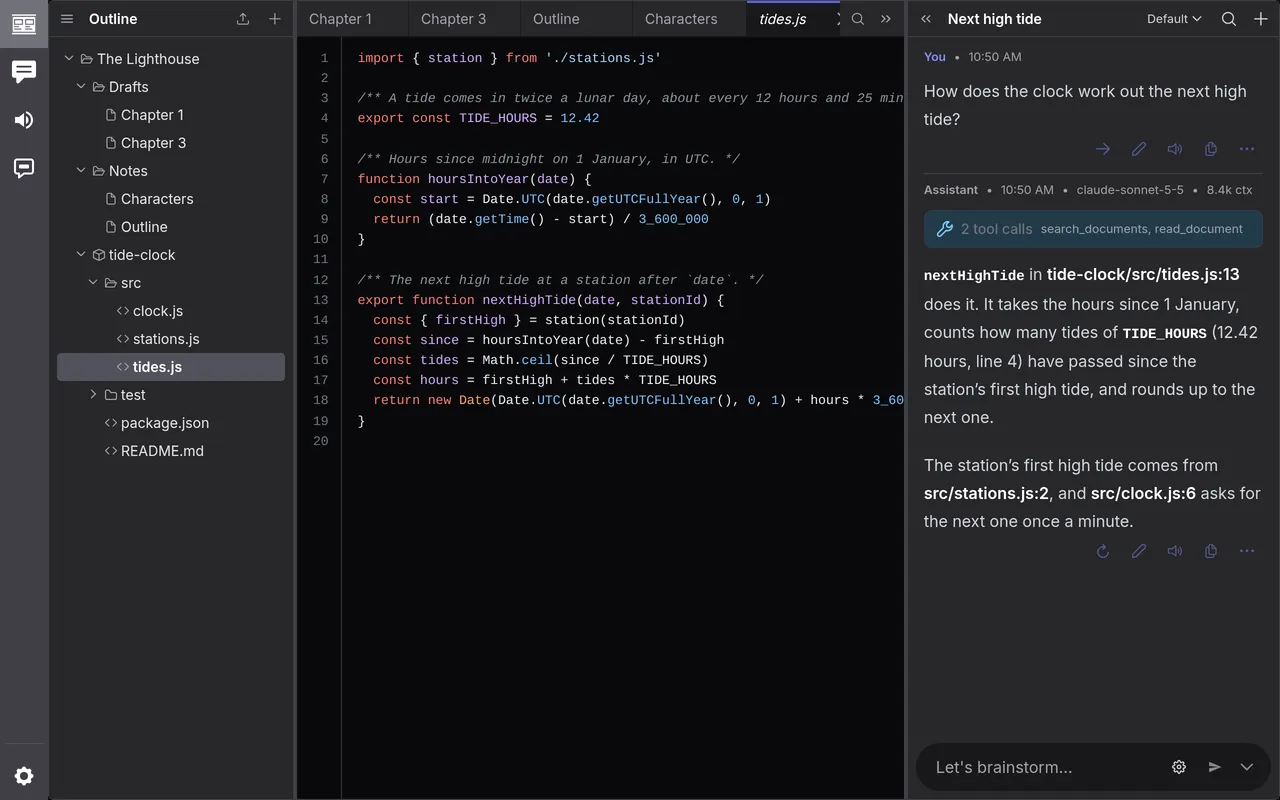
How does the clock work out the next high tide?
The model searches the code, reads the file it finds, and cites lines in its
answer, such as tide-clock/src/tides.js:13. Click the tool calls above its
reply to see what it read. To keep what it found, ask it to write it into one
of your documents; the repository itself takes no writing.
Bring it up to date
Section titled “Bring it up to date”When the code moves on, right-click the repository’s folder and choose Refresh repository…. A repository from GitHub can only be refreshed in the desktop app.
- From GitHub: click Refresh. It reads the same branch and folder again. For a private repository, paste the token again first.
- From a folder: click Choose folder… and choose the same folder again.
New files come in, changed files are updated, and files that are gone are removed. A message says how many of each. A chat that read a changed file is told so on its next turn, and your pins and hides on the files stay.